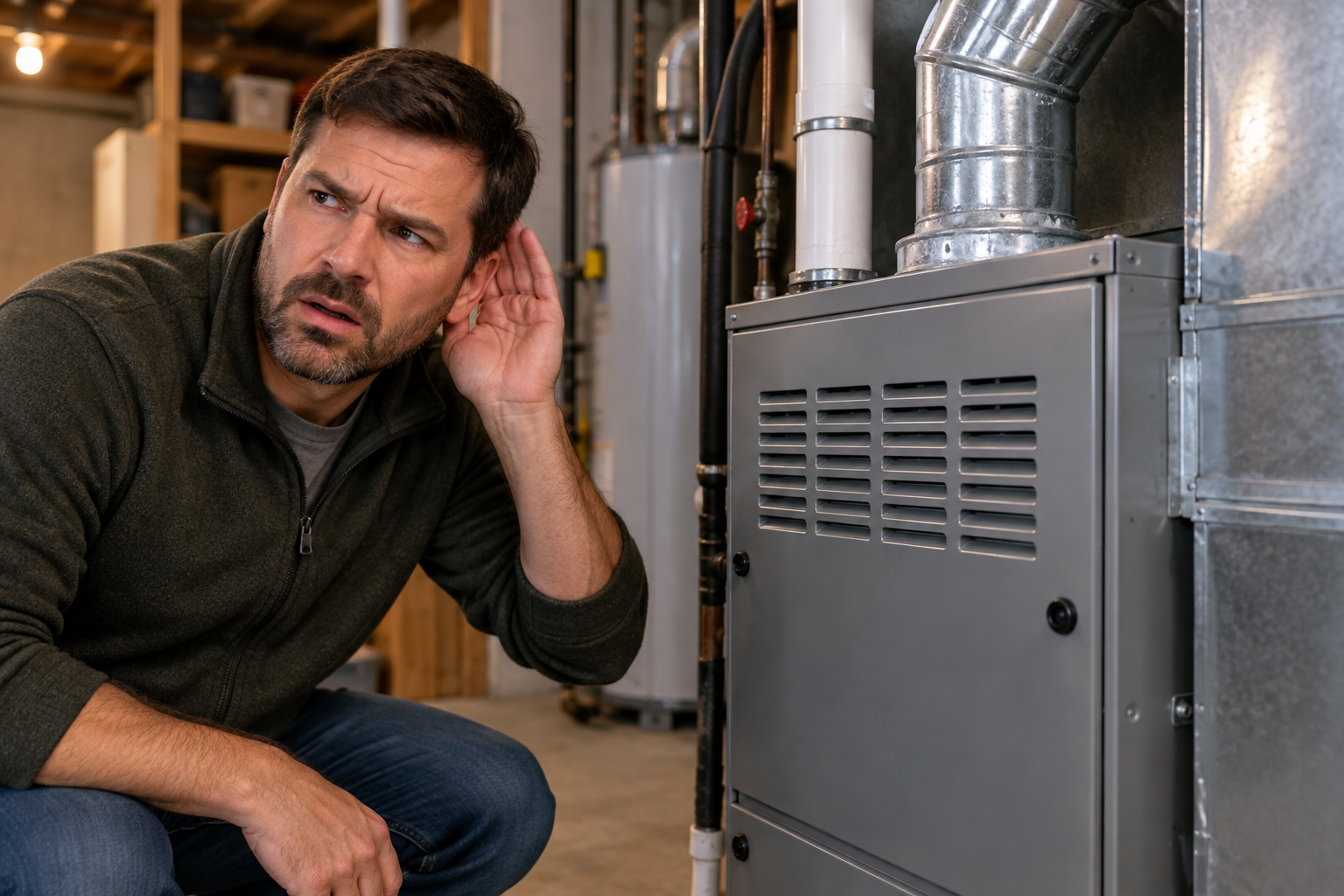
Ever wonder what happens during a furnace tune-up? This guide covers the full checklist, from inspection to cleaning, ensuring your system runs efficient...
Can I Use A Wi-Fi Thermostat With A Gas Furnace?
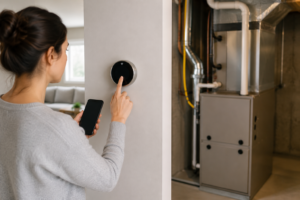 Many homeowners asking, Can I use a Wi-Fi thermostat with a gas furnace?, are looking to upgrade their home’s heating system for better efficiency and remote control. The great news is that for most modern gas furnaces, the answer is a definite yes. Furthermore, making this switch can unlock significant savings on your energy bills and provide a new level of convenience. However, the transition isn’t always a simple plug-and-play process; it hinges on the compatibility between your existing system and the new smart technology.
Essentially, the main challenge involves your system’s wiring. While the idea of controlling your heat from a smartphone is appealing, the thermostat needs a consistent power source to keep its Wi-Fi connection and digital display active. This is where understanding your specific setup becomes crucial before you make a purchase.
Understanding Thermostat and Furnace Compatibility
The core of smart thermostat compatibility lies in the wiring that runs between your furnace and your current thermostat. Most Wi-Fi thermostats require a continuous power supply to function, which is something older, simpler thermostats didn’t need. Therefore, checking your wiring is the first practical step in this upgrade process.
What is a C-Wire and Why Does it Matter?
The ‘C-wire,’ or ‘Common wire,’ is a low-voltage wire that provides a continuous 24-volt power source from your furnace to your thermostat. Unlike other wires that only carry power when the heating or cooling is actively running, the C-wire delivers a constant stream of electricity. Consequently, this is what powers the advanced features of a smart thermostat.
- Powering Features: The C-wire is essential for running the backlit digital screen, maintaining a constant Wi-Fi connection, and processing data for smart learning features.
- System Health: Without a C-wire, some thermostats attempt to ‘steal’ power from other circuits, which can lead to system malfunctions or damage to your furnace’s control board over time.
- Checking for a C-Wire: You can often check for a C-wire by removing your current thermostat’s faceplate and looking for a wire connected to the ‘C’ terminal. If it’s not there, you may need a solution.
- Solutions Without a C-Wire: If your home lacks a C-wire, don’t worry. Options include using a power extender kit (included with some thermostats) or having a professional run a new wire. For this kind of work, it’s often best to consult with a team that provides professional furnace service.
What Are the Benefits of a Wi-Fi Thermostat?
Upgrading to a smart thermostat offers more than just a fancy gadget on your wall. The benefits are practical, impacting both your wallet and your daily comfort. When you connect a Wi-Fi thermostat to your gas furnace, you gain a powerful tool for managing your home’s climate more intelligently.
- Enhanced Energy Efficiency: Smart thermostats learn your schedule and temperature preferences, automatically adjusting to save energy when you’re away or asleep. Many models also provide detailed energy usage reports, helping you identify more ways to save.
- Convenient Remote Control: You can adjust your home’s temperature from anywhere using your smartphone, tablet, or computer. This means you can pre-heat your house before you get home from work or turn the heat down if you forgot to before leaving on vacation.
- Smart Home Integration: Most Wi-Fi thermostats integrate seamlessly with smart home ecosystems like Amazon Alexa, Google Assistant, and Apple HomeKit. This allows you to control your heating with simple voice commands.
- Maintenance Alerts and Reminders: These devices can monitor your HVAC system’s performance and send you alerts if they detect a problem. Additionally, they can remind you when it’s time for routine tasks like changing the air filter, which is a key part of regular HVAC system maintenance.
How to Check if Your System is Compatible
Before you purchase a new thermostat, performing a quick compatibility check can save you a lot of hassle. While many thermostat manufacturers offer online compatibility checkers, you can also perform a manual inspection yourself. Importantly, always prioritize safety when working with your home’s electrical systems.
- Turn Off Power: Go to your home’s circuit breaker and switch off the power to your HVAC system. This is a critical safety step to prevent electrical shock or damage to your equipment.
- Remove Your Current Thermostat: Gently pull the faceplate off your existing thermostat. Most models will pop off, but some may have small screws holding them in place.
- Inspect the Wires: Take a picture of the current wiring configuration for reference. Look at the terminals where the wires are connected. You should see letters like R, G, W, and Y. The key is to look for a wire connected to the ‘C’ terminal.
- Consult a Professional if Unsure: If you don’t see a C-wire or the wiring looks complex, it’s wise to stop and consult an HVAC professional. They can confirm compatibility and discuss your options.
This check helps answer the question, Can I use a Wi-Fi thermostat with a gas furnace? for your specific home. If you find your system is very old, it might be worth considering a furnace replacement to take full advantage of modern technology.
Installation: DIY vs. Professional Help
Once you’ve confirmed compatibility and chosen your new thermostat, the final step is installation. Many homeowners with some DIY experience feel comfortable tackling this project themselves. However, there are compelling reasons to consider hiring a professional.
A DIY installation can be rewarding, and most smart thermostats come with detailed instructions. If your wiring is straightforward and you have a C-wire, the process typically involves connecting the wires to the corresponding terminals on the new thermostat’s wall plate. In contrast, a professional installation ensures everything is done correctly and safely. An HVAC technician can quickly diagnose and solve any unexpected wiring issues, install a C-wire adapter if needed, and ensure the thermostat is configured correctly for your specific gas furnace. This eliminates the risk of miswiring, which could potentially damage your HVAC system’s control board.
Final Thoughts: A Smart Upgrade for Your Gas Furnace
In summary, the ability to pair a Wi-Fi thermostat with a gas furnace is a reality for the vast majority of homeowners. The primary hurdle is ensuring a compatible power source, typically a C-wire, is available to run the thermostat’s smart features. By performing a simple check or consulting with a professional, you can determine your next steps.
Moreover, the benefits of making the switch—from significant energy savings and remote control to smart home integration and system health alerts—make it a compelling upgrade. This technology puts precise control over your home’s comfort directly into your hands, no matter where you are. So, the next time you wonder, ‘Can I use a Wi-Fi thermostat with a gas furnace?’, you can be confident that it’s not only possible but also a valuable investment in your home’s efficiency and comfort. For expert advice and installation, don’t hesitate to reach out to a trusted HVAC partner.
Related Posts